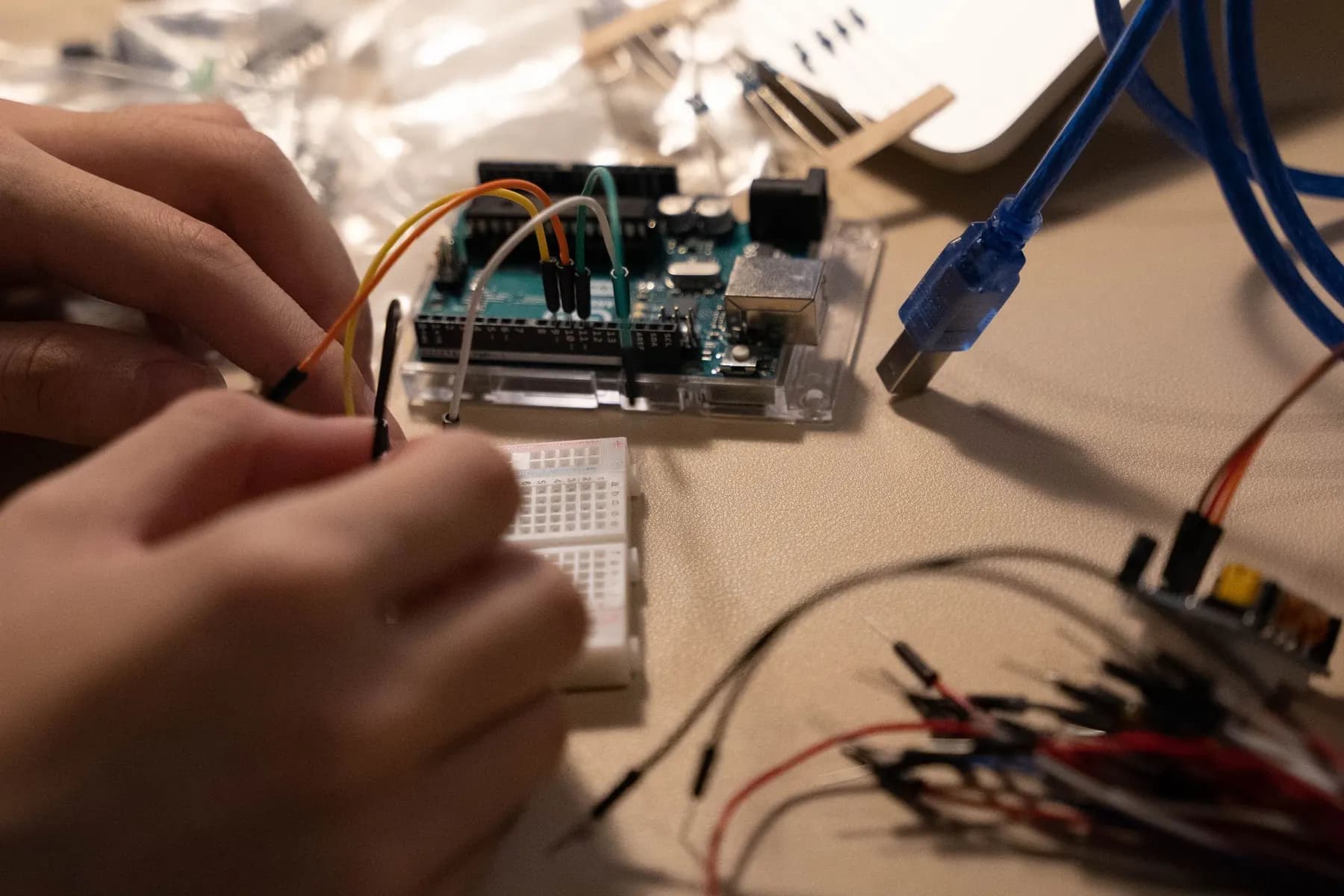
Sense & respond.Smart Laundry Guard
Arduino basics, light and water sensing, servo logic and training data. Showcase build: a Smart Laundry Guard with sensor control and AI advice, each explained on its own.
- 16 projects8 robotics, 4 AI, 4 integrated
- 20 to 80Sessions by plan
- Scratch to ArduinoMain language
- Human in the loopAI to hardware
What students do, and what they prove.
Smart Laundry Guard
A Smart Laundry Guard with sensor control and AI advice, each explained on its own.
Learning check. Build a sensor-response prototype and compare rule-based and learned decisions.
Individual check. Every learner, on their own: “Change a threshold.”
Entry task
Explain a closed circuit and read a simple block sequence.
Robotics core
Digital input and output, light and water sensing, servo control, if/else and thresholds.
AI layer
Training versus testing, balanced examples, confidence as a model score, and human review.
Code & tools
Scratch blocks, then short scaffolded Arduino C/C++. Arduino IDE, Tinkercad Class Seats, Teachable Machine.
Cross-subject link
Tables, thresholds, averages and fair tests.
Scaffolding
Short sketches with labelled pins. Change one variable at a time.
How AI meets hardware here
Human-mediated link between AI and hardware, with an optional trainer USB demo.
Sixteen projects, four blocks of twenty sessions.
Each block follows the same pattern: two builds, one AI project, then one integrated project. Open any project to see its five sessions.
- RRobotics
- AAI
- IIntegrated
- 01Ask & understand · Week 1Breadboard and LED safety
- 02Build & design · Week 1Arduino upload and pin names
- 03Implement · Week 2Use setup, loop and timed outputs
- 04Test & improve · Week 2Debug a deliberate wiring or code fault
- 05Explain & reflect · Week 3Explain a working signal sequence
UNO, USB, breadboard, LEDs, resistors
Five repeats plus one corrected fault.
A physical circuit, sensor or mechanism, built and tested on the bench.
- 06Ask & understand · Week 3Input-process-output and LDR
- 07Build & design · Week 4Read analog values and set a threshold
- 08Implement · Week 4Move a servo between safe positions
- 09Test & improve · Week 5Test threshold changes and power stability
- 10Explain & reflect · Week 5Explain the decision using if/else
UNO, LDR, resistors, servo, rated external supply
Five bright/dark cycles; no servo stall or board reset.
A physical circuit, sensor or mechanism, built and tested on the bench.
- 11Ask & understand · Week 6Image examples versus water sensing
- 12Build & design · Week 6Label dry/wet fabric photos
- 13Implement · Week 7Train and keep test images separate
- 14Test & improve · Week 7Compare mistakes under different backgrounds
- 15Explain & reflect · Week 8Produce a small model card
Computer, no-code model tool, prepared fabric images
Twelve held-out images; report results rather than claim reliable rain prediction.
A model, an evaluation study or an AI-checking workflow.
- 16Ask & understand · Week 8Separate sensor rules from AI advice
- 17Build & design · Week 9Create an override decision chart
- 18Implement · Week 9Use AI predictions to advise the model operator
- 19Test & improve · Week 10Compare sensor readings with model advice
- 20Explain & reflect · Week 10Demonstrate disagreement handling
P02 servo rig, P03 model, fabric images, indicator
Eight scenarios; uncertain advice never triggers unsupervised motion.
The AI suggests. A person checks and operates the hardware.
- 21Ask & understand · Week 11Water sensor and dry-board layout
- 22Build & design · Week 11Read values and choose a threshold
- 23Implement · Week 12Build an LED/buzzer alert
- 24Test & improve · Week 12Test low/high levels with teacher handling
- 25Explain & reflect · Week 13Explain limitations of a classroom probe
Water sensor, UNO, buzzer/LED, spill tray
Three levels, three repeats; keep board outside the wet tray.
A physical circuit, sensor or mechanism, built and tested on the bench.
- 26Ask & understand · Week 13Servo mechanism and joint limits
- 27Build & design · Week 14Read a push button reliably
- 28Implement · Week 14Program two door positions
- 29Test & improve · Week 15Test obstruction-free movement and override
- 30Explain & reflect · Week 15Present a clear state diagram
UNO, servo, button, external supply, cardboard door
Ten movements without forcing the servo.
A physical circuit, sensor or mechanism, built and tested on the bench.
- 31Ask & understand · Week 16Goal, context and constraints
- 32Build & design · Week 16Build a science-explainer instruction template
- 33Implement · Week 17Compare teacher-generated responses
- 34Test & improve · Week 17Verify claims and rewrite unclear steps
- 35Explain & reflect · Week 18Save the reusable recipe and checks
Teacher AI access or printed outputs, reference cards
Three outputs checked against supplied sources.
A model, an evaluation study or an AI-checking workflow.
- 36Ask & understand · Week 18Define paper and plastic examples
- 37Build & design · Week 19Train a model using clean packaging pictures
- 38Implement · Week 19Map predictions to a manually approved servo position
- 39Test & improve · Week 20Test look-alike and unknown items
- 40Explain & reflect · Week 20Explain a model failure without hiding it
Computer, object images, P06 servo, manual button
Twelve unseen objects/pictures; ambiguous cases stay at neutral.
The AI suggests. A person checks and operates the hardware.
- 41Ask & understand · Week 21Inputs, elapsed time and fair testing
- 42Build & design · Week 21Choose a stimulus and response rule
- 43Implement · Week 22Program LED start and button finish
- 44Test & improve · Week 22Take repeated readings and reject false starts
- 45Explain & reflect · Week 23Compare results without ranking pupils
UNO, LED, resistor, button, serial display
Five trials on the bench; record false-start handling.
A physical circuit, sensor or mechanism, built and tested on the bench.
- 46Ask & understand · Week 23Analog sampling and serial output
- 47Build & design · Week 24Record LDR values into a table
- 48Implement · Week 24Build a live reading display
- 49Test & improve · Week 25Check repeated measurements at fixed light
- 50Explain & reflect · Week 25Explain measurement noise
UNO, LDR, resistors, computer
Three conditions with five readings each.
A physical circuit, sensor or mechanism, built and tested on the bench.
- 51Ask & understand · Week 26Labels and missing examples
- 52Build & design · Week 26Inspect a deliberately poor dataset
- 53Implement · Week 27Repair labels and balance the classes
- 54Test & improve · Week 27Retest using unchanged held-out examples
- 55Explain & reflect · Week 28Document what improved and what did not
No-code model tool, prepared object-image dataset
One fixed twelve-case test set used before and after repair.
A model, an evaluation study or an AI-checking workflow.
- 56Ask & understand · Week 28Define light-cover examples
- 57Build & design · Week 29Train an image-based recommendation model
- 58Implement · Week 29Compare its advice with LDR readings
- 59Test & improve · Week 30Use a person to approve the servo response
- 60Explain & reflect · Week 30Present a disagreement log
P10 logger, P02 servo rig, teacher model viewer
Ten scenarios including three disagreements or unknowns.
The AI suggests. A person checks and operates the hardware.
- 61Ask & understand · Week 31Map water level to a safe actuator
- 62Build & design · Week 31Plan separate power and wet/dry zones
- 63Implement · Week 32Program a model gate response
- 64Test & improve · Week 32Test threshold hysteresis and manual override
- 65Explain & reflect · Week 33Explain why the model is not a real tank controller
UNO, water sensor, servo, tray, approved power
Three levels and an override test; no mains or real plumbing.
A physical circuit, sensor or mechanism, built and tested on the bench.
- 66Ask & understand · Week 33Combine light and water signals
- 67Build & design · Week 34Create a small truth table
- 68Implement · Week 34Program status LEDs and buzzer rules
- 69Test & improve · Week 35Test all sensor-state combinations
- 70Explain & reflect · Week 35Explain difference between conditions and forecasts
UNO, LDR, water sensor, LEDs, buzzer
All four bright/dark and wet/dry combinations.
A physical circuit, sensor or mechanism, built and tested on the bench.
- 71Ask & understand · Week 36What a good explanation contains
- 72Build & design · Week 36Create a reusable review checklist
- 73Implement · Week 37Ask the teacher tool to explain a supplied circuit
- 74Test & improve · Week 37Identify a wrong pin or unsupported claim
- 75Explain & reflect · Week 38Improve the recipe using evidence
Teacher outputs, circuit diagram, source cards
Verify five technical claims and flag one seeded error.
A model, an evaluation study or an AI-checking workflow.
- 76Ask & understand · Week 38Define the cover-control specification
- 77Build & design · Week 39Assemble and label the rule-based model
- 78Implement · Week 39Add a supervised visual-condition adviser
- 79Test & improve · Week 40Test sensor/model disagreement and override
- 80Explain & reflect · Week 40Deliver a model card and engineering demo
Laundry kit, approved servo power, computer, P03/P11 model
Ten combined trials; safety/override checked independently of model accuracy.
The AI suggests. A person checks and operates the hardware.
Class 6 adds one more layer of judgement.
Thresholds and bounded servo response
Train and test examples, balanced data
Blocks to short Arduino sketches
Goal, inputs, steps and expected answer.
A code library adds functions. It is not intelligence.
Three checked examples.
 For school leaders
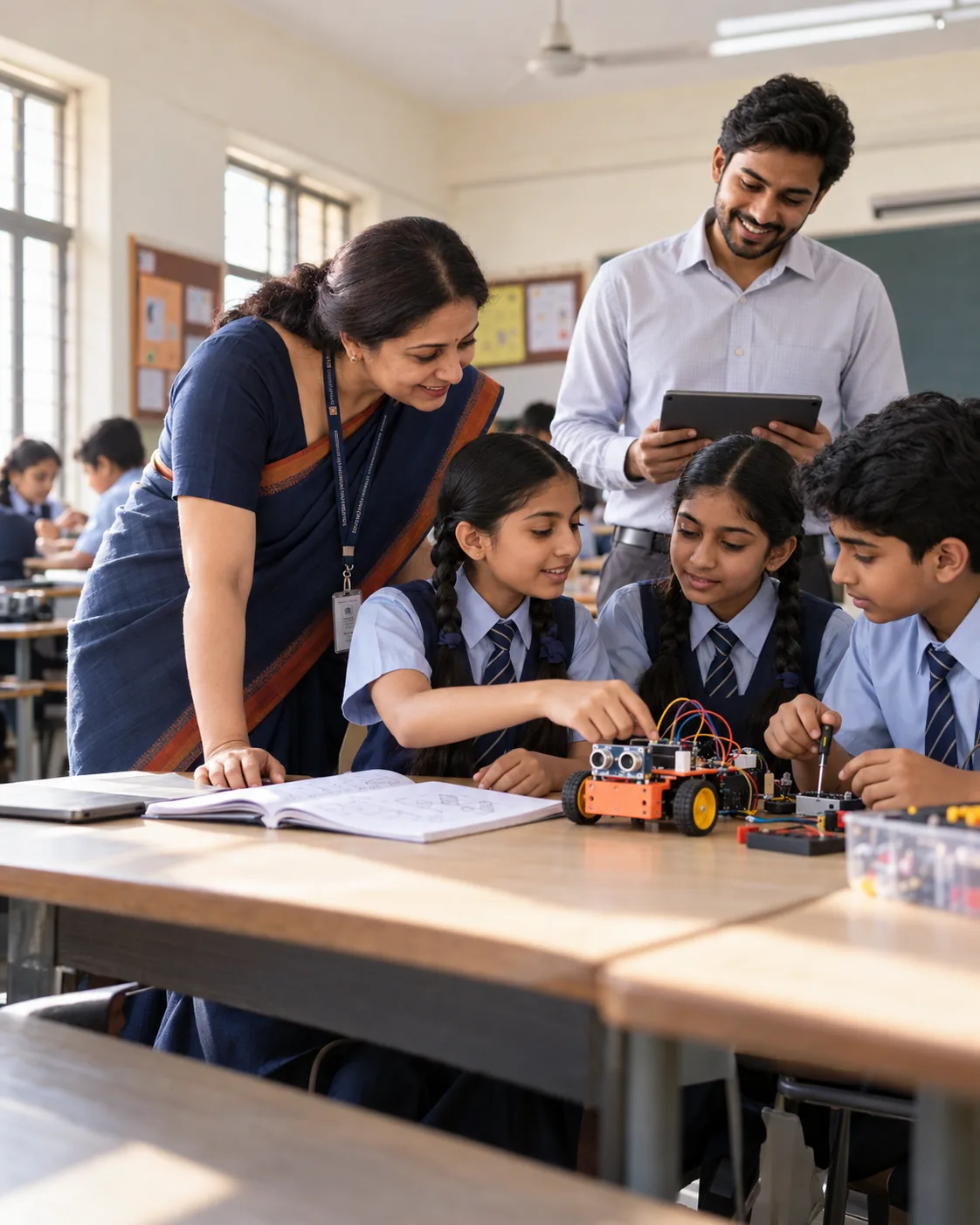
Bring Class 6
to your school.
Start with the four Discovery projects for Class 6 (20 sessions), review the evidence together, then extend to Builder or Innovation.
- Prospectus and class-wise plan
- Kit and readiness check
- Pilot one class first
- Evidence at every milestone
Let's plan your pilot.
Share a few details and we will send the right plan for your classes.