Stop first.Diagnose second.
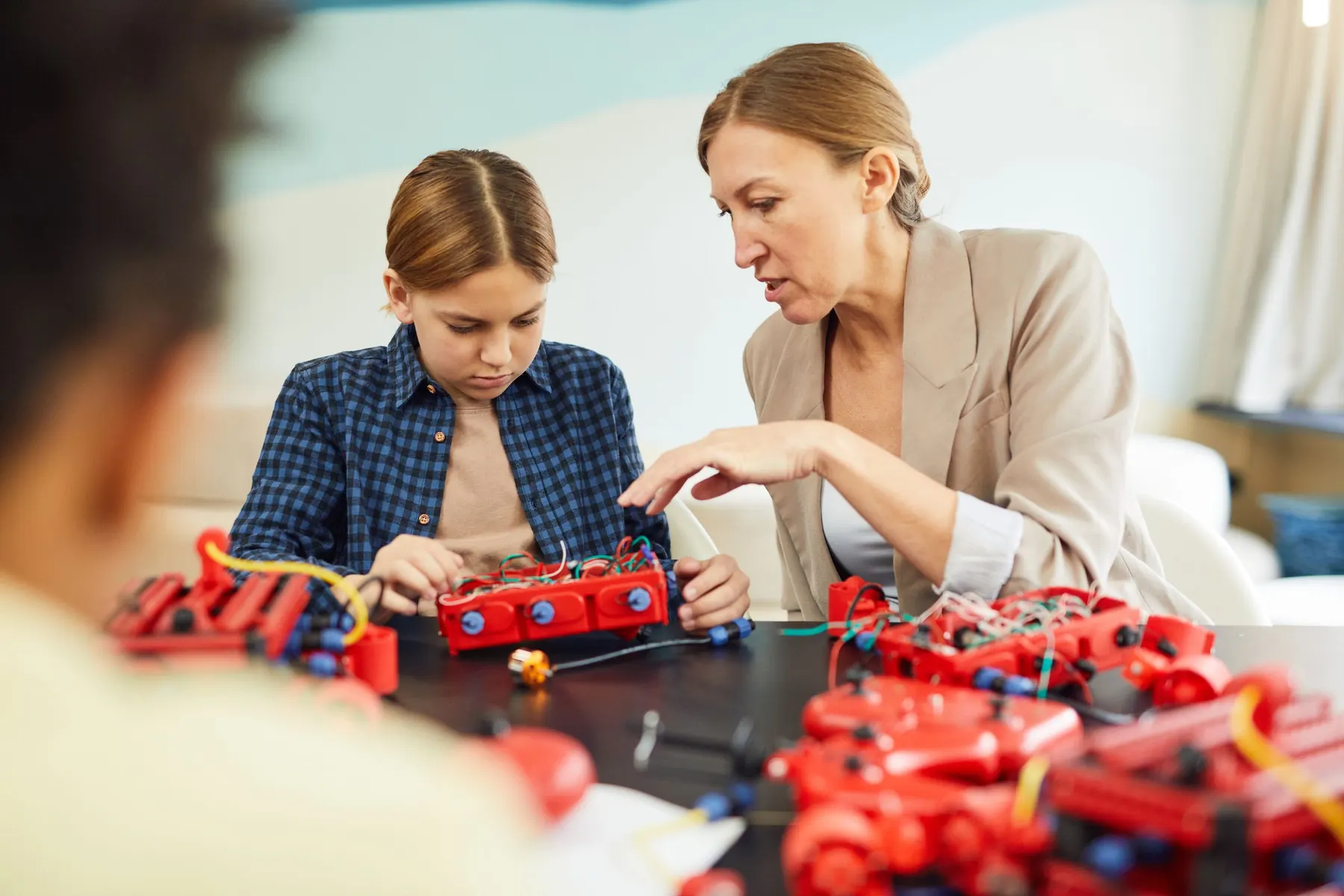
Low-voltage builds, adult-led AI where age rules require it, object-only data and a physical stop on every moving build. A successful demo is never taken as proof of safety.
- Low voltageNo mains work, ever
- Trainer + adultIn every session
- No personal dataIn any AI tool
- Physical stopOn moving builds
Three gates before any real-world action.
The school approves the tool, the data and the physical task. Provider controls help, but they are not the whole safeguarding process.
Age & access
Who may use which tool is decided by real age and provider rules, not class number.
- Adult-led AI where age rules require it
- No shared adult accounts
- No personal AI account needed
Data & permission
Models learn from objects and prepared data. Never from students.
- Object-only examples
- No student names, photos or voices
- No access to live school systems
Physical control
AI can suggest. Only approved, bounded commands ever reach a motor.
- Named commands only
- A reachable power switch
- Stop on missing or invalid input
An adult operates any generative AI tool. Students direct, check and explain.
Individual use only with parental consent and school approval.
No personal AI account is needed for the core programme. No shared adult logins.
Real age and provider rules decide access, never class number alone.
AI can suggest. A person decides.
Classes 3 to 7 keep a person between every AI suggestion and the hardware. From Class 8, a laptop model may send a few named commands, but only after each step below is passed.
- Data
- Model
- Human approval
- Controller
- Device
On screen
Commands are tested in a simulator first.
On LEDs
Then they light indicator LEDs, nothing moves.
Raised or unloaded
Wheels off the ground, arms without a payload.
Guarded task
Only then a real, slow, supervised task.
Six rules for every AI-to-device link
Named commands only
STOP, LEFT_DEMO, POSE_A and similar. Never free text, code or raw angles.
Fresh and valid
Unknown labels, broken messages, low confidence or stale data are rejected.
Controller has the final say
Angles and speed are clamped, interlocks enforced, a watchdog runs.
A real power switch
A reachable, rated isolation switch. A software STOP alone is not safety.
Failure is rehearsed
Invalid input, camera loss, USB unplugged, frozen laptop, power reset.
Labelled fallback
A simulator or manual operator until the link is validated, and recorded as such.
Every hazard has a rule before it has a risk.
Bench validation is required for the exact kit. A working circuit is never accepted as proof that its power, wiring or limits are right.
Electrical power
Low-voltage circuits only. No mains work. Power off before any rewiring.
Servos & mechanisms
Fingers out of pinch zones. Limits set one joint at a time, unloaded first.
Moving robots
Wheels raised first, then a clear low-speed lane, with a manual power switch.
Water
Spill tray, pre-wired low-voltage driver, dry electronics. Teachers handle the water.
Batteries
Approved enclosed packs only. Students never handle or charge loose lithium cells.
Tools
Cutting, hot glue and soldering stay with the teacher. Pre-cut parts by default.
AI & internet
Approved, non-personal data and supervised accounts. No student identities uploaded.
Anything unexpected
Stop power, secure the area, inform the school lead, record the facts.
- 1. StopPower and activity off first.
- 2. SecureMake the area and device safe.
- 3. InformTell the designated school lead.
- 4. RecordFacts only, no personal data in AI tools.
- 5. ResumeOnly after the cause and fix are reviewed.
The readiness check
- Exact kit inspected, power and stop tested
- Software, camera and USB checked
- Age approvals and an offline alternative confirmed
- Only non-personal data in an approved folder
- Test criteria, team roles and a printed fallback ready
- Room and equipment reset agreed
Models learn from objects. Never from children.
The simplest way to protect student data is not to collect it. Every dataset in the programme uses objects, printed symbols or prepared files.
Aliases, not names
Internal records use team and learner aliases.
Nothing personal in prompts
No names, photos, voices, grades or family details in any AI tool or dataset.
Local and sandboxed
Local files or one approved folder. No live school email, fees or attendance systems.
Retention agreed first
What is stored, where, who can see it and when it is deleted, decided before anything is collected.
Photos need separate consent
Any identifiable photo or exhibition use follows the school's own permission process.
An offline route, always
Every AI activity has an equivalent offline or teacher-led alternative.
- Face identification
- Emotion detection
- Voice cloning
- Behaviour profiling
- Live school systems
- Mains electricity
- Loose lithium cells
- Free-form AI motor commands
Where anything here differs from the school's own safeguarding, device or data policy, the school's policy applies. This programme is not a safety certification for any device.
 For school leaders
Choose a starting point.
Build from evidence.
Pick the classes and a plan. We map the timetable, kit and safety checks with you, then pilot one class first.
- Prospectus and class-wise plan
- Kit and readiness check
- Pilot one class first
- Evidence at every milestone
Let's plan your pilot.
Share a few details and we will send the right plan for your classes.