Measure & model.Dual-Axis Solar Tracker
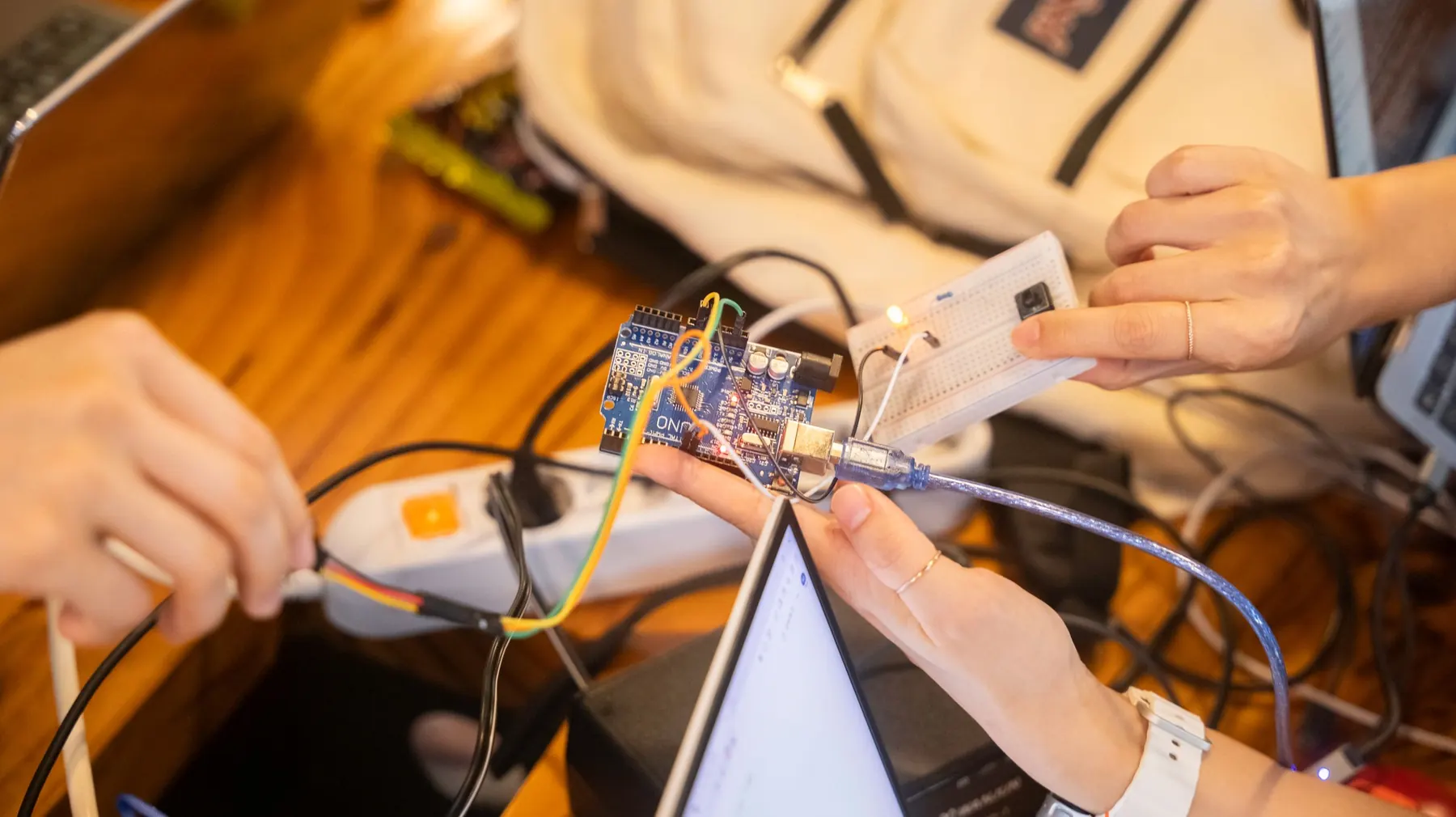
Python, measurement, datasets and baseline comparisons. Showcase build: an AI-assisted solar-tracker research exhibit built on measured evidence.
- 16 projects8 robotics, 4 AI, 4 integrated
- 20 to 80Sessions by plan
- Python + ArduinoMain language
- Supervised linkAI to hardware
What students do, and what they prove.
Dual-Axis Solar Tracker
An AI-assisted solar-tracker research exhibit built on measured evidence.
Learning check. Compare a baseline and a model on held-out measurements, and explain the limits.
Individual check. Every learner, on their own: “Identify the held-out data.”
Entry task
Use loops, functions and data tables, and understand independent test examples.
Robotics core
Analog measurement, servo calibration, serial logging, feedback and solar-tracker mechanics.
AI layer
Data cleaning, features and labels, train/test splits, simple classification and baselines.
Code & tools
Python fundamentals with Arduino C/C++. Python notebooks, Arduino IDE, scikit-learn scaffolds.
Cross-subject link
Graphs, mean, range, ratios and simple relationships.
Scaffolding
Small, clean CSV files before live data, and a pathway that needs no network.
How AI meets hardware here
Laptop-hosted models on saved or live sensor data. No cloud account required.
Sixteen projects, four blocks of twenty sessions.
Each block follows the same pattern: two builds, one AI project, then one integrated project. Open any project to see its five sessions.
- RRobotics
- AAI
- IIntegrated
- 01Ask & understand · Week 1Voltage, resistance and safe metering
- 02Build & design · Week 1Read an LDR divider
- 03Implement · Week 2Log analog values with units/context
- 04Test & improve · Week 2Compare repeated readings
- 05Explain & reflect · Week 3Explain noise and calibration
UNO, LDR, divider resistors, meter, USB
Three light conditions with five readings each.
A physical circuit, sensor or mechanism, built and tested on the bench.
- 06Ask & understand · Week 3Servo supply and safe angles
- 07Build & design · Week 4Map a potentiometer to bounded motion
- 08Implement · Week 4Use functions for position commands
- 09Test & improve · Week 5Measure repeated pointer positions
- 10Explain & reflect · Week 5Record mechanical limits
UNO, servo, potentiometer, external supply, pointer
Five positions with three repeats; no stall.
A physical circuit, sensor or mechanism, built and tested on the bench.
- 11Ask & understand · Week 6Read CSV values and labels
- 12Build & design · Week 6Separate features, labels and held-out rows
- 13Implement · Week 7Build a simple threshold baseline and model scaffold
- 14Test & improve · Week 7Evaluate unseen conditions
- 15Explain & reflect · Week 8Explain which result is stronger and why
Local Python/scikit-learn, prepared or P01 CSV
Held-out test rows stay out of fitting; report class counts.
A model, an evaluation study or an AI-checking workflow.
- 16Ask & understand · Week 8Define a model-based shade recommendation
- 17Build & design · Week 9Connect logged sensor data to a prediction
- 18Implement · Week 9Map advice to a manual-approved servo position
- 19Test & improve · Week 10Test missing data and disagreement
- 20Explain & reflect · Week 10Explain how measured light differs from a forecast
P01/P02 rigs, local model, reviewed serial or manual link
Twelve readings including three invalid/unknown inputs.
A laptop model sends named commands only after bench tests, with a simulator as fallback.
- 21Ask & understand · Week 11Differential sensing and balance
- 22Build & design · Week 11Build matched LDR dividers
- 23Implement · Week 12Program left/right servo adjustment
- 24Test & improve · Week 12Test deadband and travel limits
- 25Explain & reflect · Week 13Explain fixed-rule tracking
Two LDRs, servo, UNO, divider resistors, mount
Five lamp positions; no direct sun-gazing or high-power lamps.
A physical circuit, sensor or mechanism, built and tested on the bench.
- 26Ask & understand · Week 13Two-axis mechanics and centre positions
- 27Build & design · Week 14Mount a lightweight demonstration panel
- 28Implement · Week 14Program bounded pan/tilt tracking
- 29Test & improve · Week 15Test cable strain and repeatability
- 30Explain & reflect · Week 15Record output without energy-saving claims
Two suitable servos, four LDRs, small panel, frame, supply
Five light positions; compare panel voltage under a defined load only if approved.
A physical circuit, sensor or mechanism, built and tested on the bench.
- 31Ask & understand · Week 16Rows, columns and missing values
- 32Build & design · Week 16Inspect a deliberately messy light dataset
- 33Implement · Week 17Clean training data with documented rules
- 34Test & improve · Week 17Keep test data untouched
- 35Explain & reflect · Week 18Compare results with a baseline
Local Python, CSV pack
At least three error types detected; no test-set leakage.
A model, an evaluation study or an AI-checking workflow.
- 36Ask & understand · Week 18Form a testable prediction question
- 37Build & design · Week 19Fit a small model on tracker observations
- 38Implement · Week 19Compare suggested positions with a rule baseline
- 39Test & improve · Week 20Use supervised bounded commands
- 40Explain & reflect · Week 20Explain why a simple rule may be sufficient
Tracker, Python, recorded measurements, optional serial link
Use the same held-out trials for baseline and model.
A laptop model sends named commands only after bench tests, with a simulator as fallback.
- 41Ask & understand · Week 21Serial records and schemas
- 42Build & design · Week 21Choose timestamp/value/status fields
- 43Implement · Week 22Log readings to a local CSV
- 44Test & improve · Week 22Test missing and malformed messages
- 45Explain & reflect · Week 23Display a labelled graph
UNO, LDR, USB, Python logger
Twenty records including simulated malformed lines.
A physical circuit, sensor or mechanism, built and tested on the bench.
- 46Ask & understand · Week 23Control modes and human authority
- 47Build & design · Week 24Add an override button
- 48Implement · Week 24Separate auto, manual and stopped states
- 49Test & improve · Week 25Test mode transitions and power restart
- 50Explain & reflect · Week 25Publish an operator card
Tracker, button, UNO, approved supply
Eight transitions plus power-reset and end-limit tests.
A physical circuit, sensor or mechanism, built and tested on the bench.
- 51Ask & understand · Week 26Text examples and bag-of-words intuition
- 52Build & design · Week 26Create short non-personal help-request labels
- 53Implement · Week 27Use a scaffolded local classifier
- 54Test & improve · Week 27Test ambiguous and unfamiliar phrases
- 55Explain & reflect · Week 28Report confusion and abstentions
Local Python, synthetic maintenance phrases
Twenty held-out phrases; include unknown-category cases.
A model, an evaluation study or an AI-checking workflow.
- 56Ask & understand · Week 28Connect text labels to maintenance advice
- 57Build & design · Week 29Define allowed actions and source notes
- 58Implement · Week 29Use model output to select an operator checklist
- 59Test & improve · Week 30Validate suggestions against the hardware manual
- 60Explain & reflect · Week 30Demonstrate refusal for unsafe requests
P11 classifier, tracker manual, local checklist viewer
Ten requests including three unsupported/unsafe ones.
The AI advises a person. It has no control over the hardware.
- 61Ask & understand · Week 31Select LCD interface and contrast
- 62Build & design · Week 31Show sensor units and valid-range messages
- 63Implement · Week 32Add a calibration mode
- 64Test & improve · Week 32Test invalid and out-of-range readings
- 65Explain & reflect · Week 33Explain measurement uncertainty
UNO, LDR, LCD, interface parts, potentiometer
Five reference conditions and two invalid states.
A physical circuit, sensor or mechanism, built and tested on the bench.
- 66Ask & understand · Week 33Choose one controllable variable
- 67Build & design · Week 34Build a fixed-angle measurement jig
- 68Implement · Week 34Collect repeated servo/light readings
- 69Test & improve · Week 35Compute simple spread and compare runs
- 70Explain & reflect · Week 35Explain limits of the experiment
Tracker parts, ruler/protractor, mount, local table
Five conditions with three repeats; label the measurement method.
A physical circuit, sensor or mechanism, built and tested on the bench.
- 71Ask & understand · Week 36Write a data-analysis task specification
- 72Build & design · Week 36Create a Markdown recipe and local script checklist
- 73Implement · Week 37Run it on two supplied CSV files
- 74Test & improve · Week 37Reject absent units or missing columns
- 75Explain & reflect · Week 38Version the recipe and provide evidence
Local Python/text editor, CSV files
Two valid files and one malformed file; no silent guessing.
A model, an evaluation study or an AI-checking workflow.
- 76Ask & understand · Week 38Choose a narrow school-energy question
- 77Build & design · Week 39Combine tracker, data logger and model advice
- 78Implement · Week 39Compare with a simple fixed/rule baseline
- 79Test & improve · Week 40Test uncertainty, overrides and repeatability
- 80Explain & reflect · Week 40Defend conclusions using measured evidence
Solar-tracker pathway, local Python, approved power
Held-out trials and a full baseline comparison; no claimed real energy savings without measurement.
A laptop model sends named commands only after bench tests, with a simulator as fallback.
Class 9 adds one more layer of judgement.
Measurement, feedback and local telemetry
Features, baselines and held-out tests
Python data handling plus Arduino
A written specification plus a data-quality checklist.
Local read-only tools with defined inputs.
A valid-file and invalid-file test.
 For school leaders
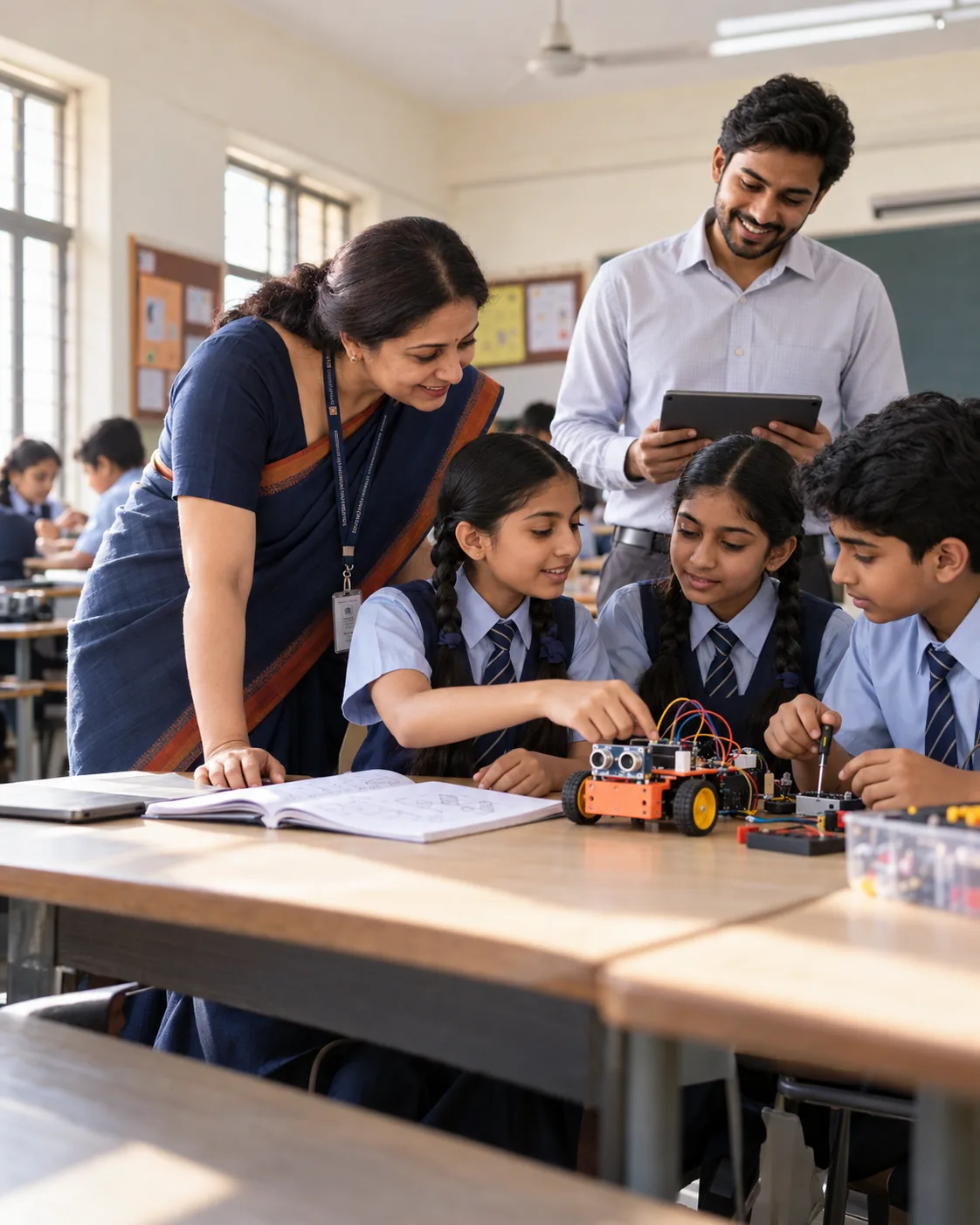
Bring Class 9
to your school.
Start with the four Discovery projects for Class 9 (20 sessions), review the evidence together, then extend to Builder or Innovation.
- Prospectus and class-wise plan
- Kit and readiness check
- Pilot one class first
- Evidence at every milestone
Let's plan your pilot.
Share a few details and we will send the right plan for your classes.